Quick setup
Open the flow in Canva, add your assistant, tune it to your layout, and publish in minutes—no engineering ticket required.
Canva AI Agents
Turn your Canva designs into an interactive experience. Embed the Autobotx AI chatbot, align it with your design, and connect with visitors in real time—no coding needed.
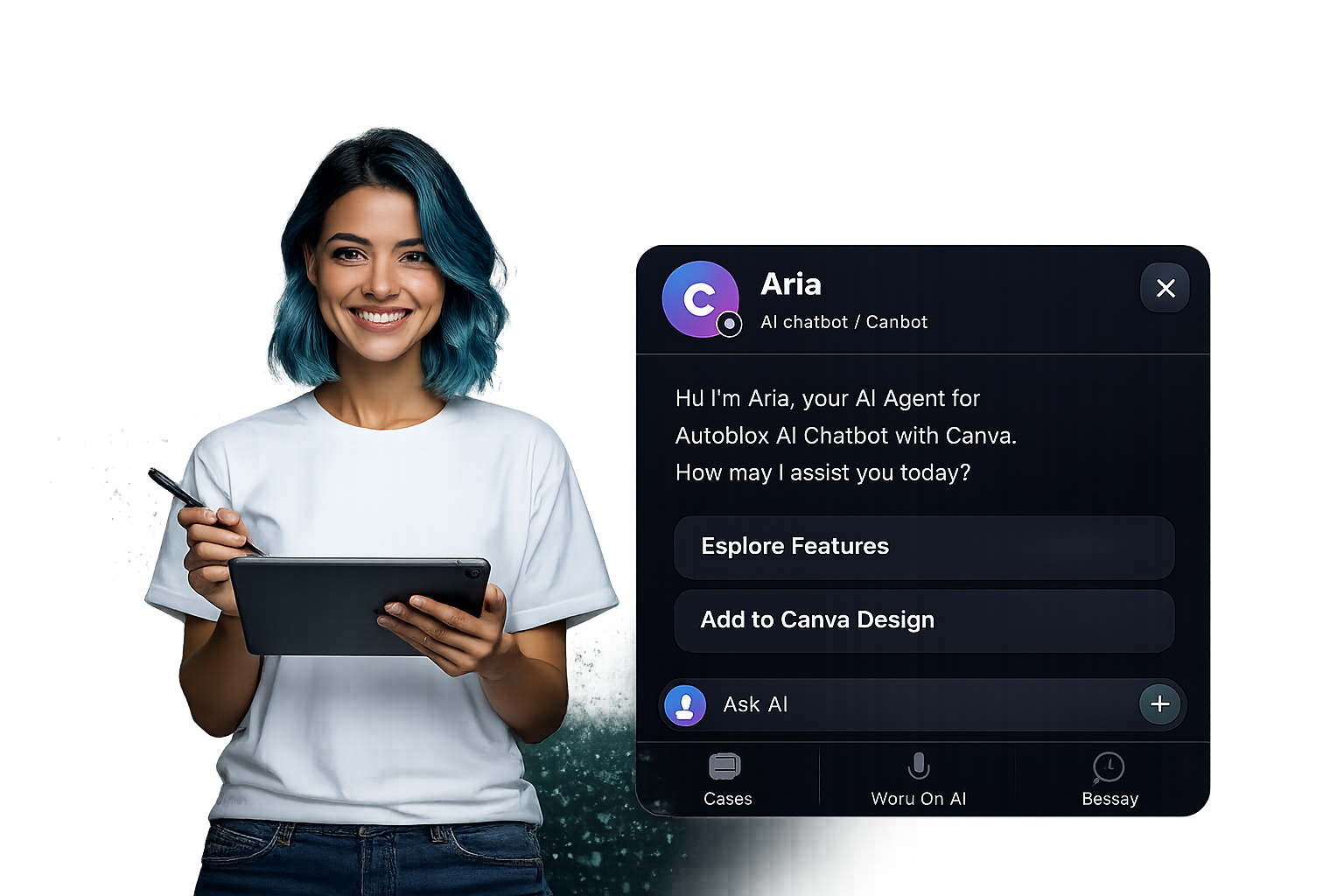
Respond quickly and guide every visitor. Your assistant keeps published designs active and engaging.
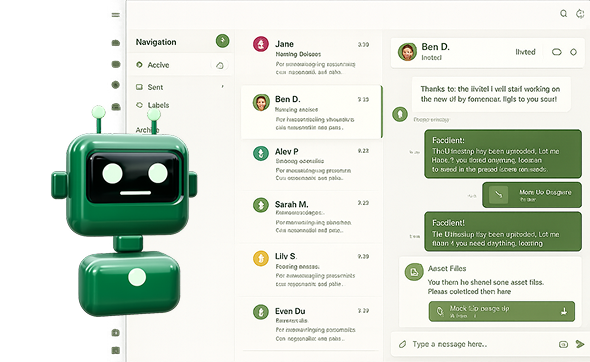
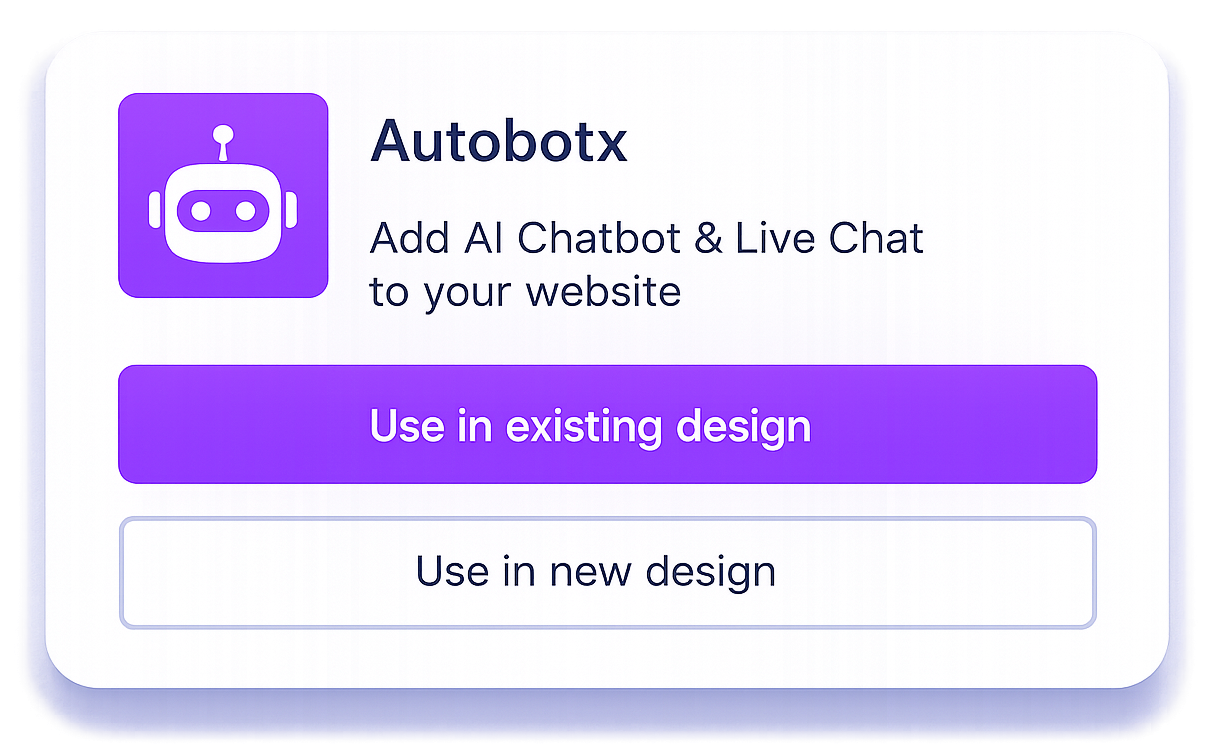
Open Autobotx in your Canva workflow and choose to use it in an existing or new design.
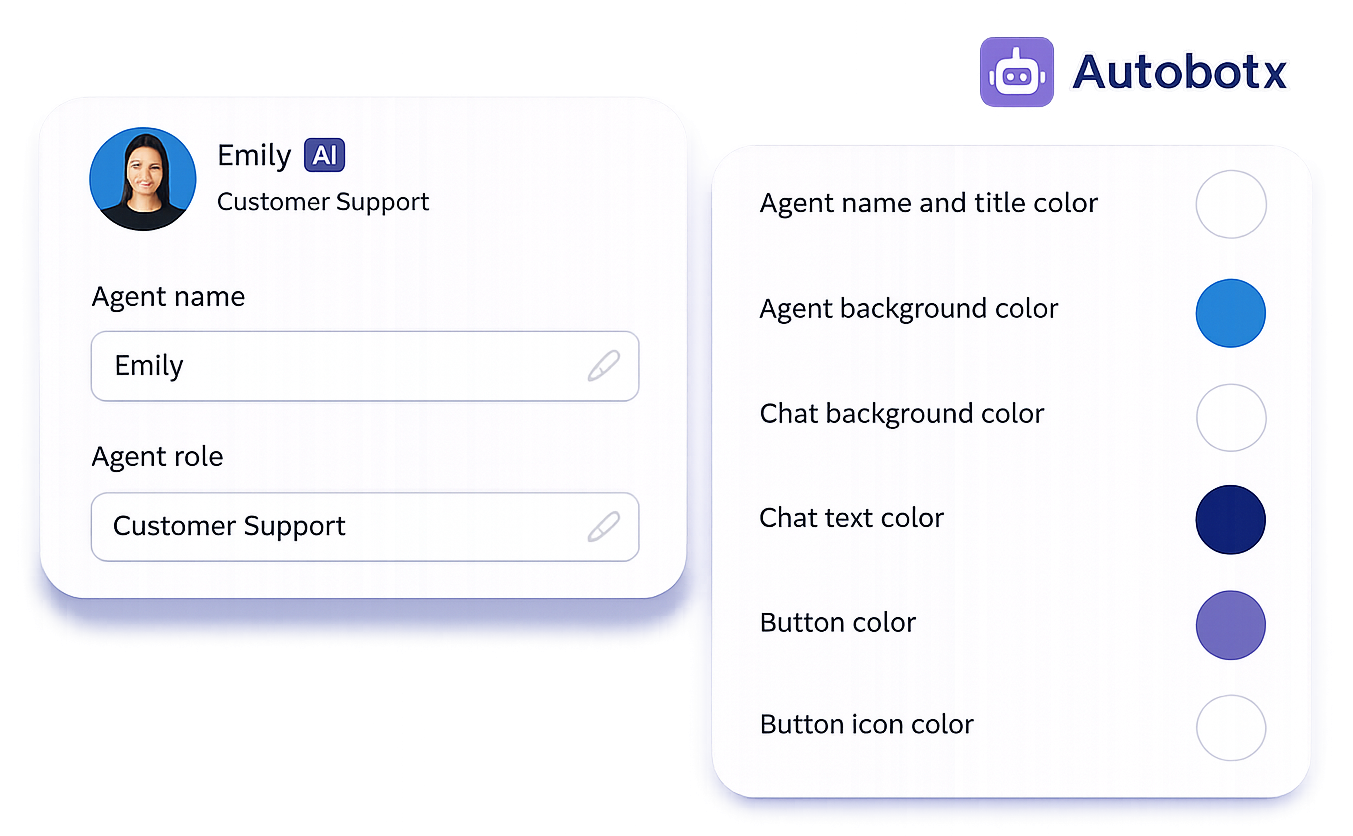
Adjust your assistant’s name, role, and colors—background, buttons, and tone—to match your layout.
Publish and let visitors ask questions, get support, or share feedback without leaving the experience.
Autobotx delivers natural, on-brand replies that feel personal. Engage customers through intelligent automation that handles inquiries, qualifies leads, and keeps conversations authentic at scale.
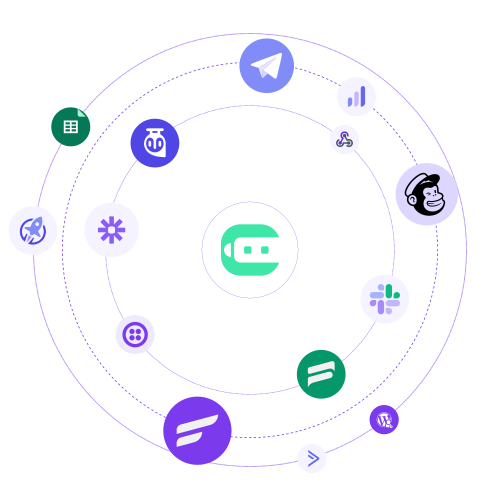
Summaries, key messages, and lead signals can flow into your stack—so your team sees real-time context and can follow up faster.
Design automation paths tailored to your business. Build sequences, trigger actions, and manage customer journeys with a clear, step-by-step flow—no engineering required.
Turn any Canva design into a space where visitors get instant answers and stay engaged—powered by Autobotx.
Open the flow in Canva, add your assistant, tune it to your layout, and publish in minutes—no engineering ticket required.
Match agent name, role, and palette to your Canva design so the chat feels native to the page.
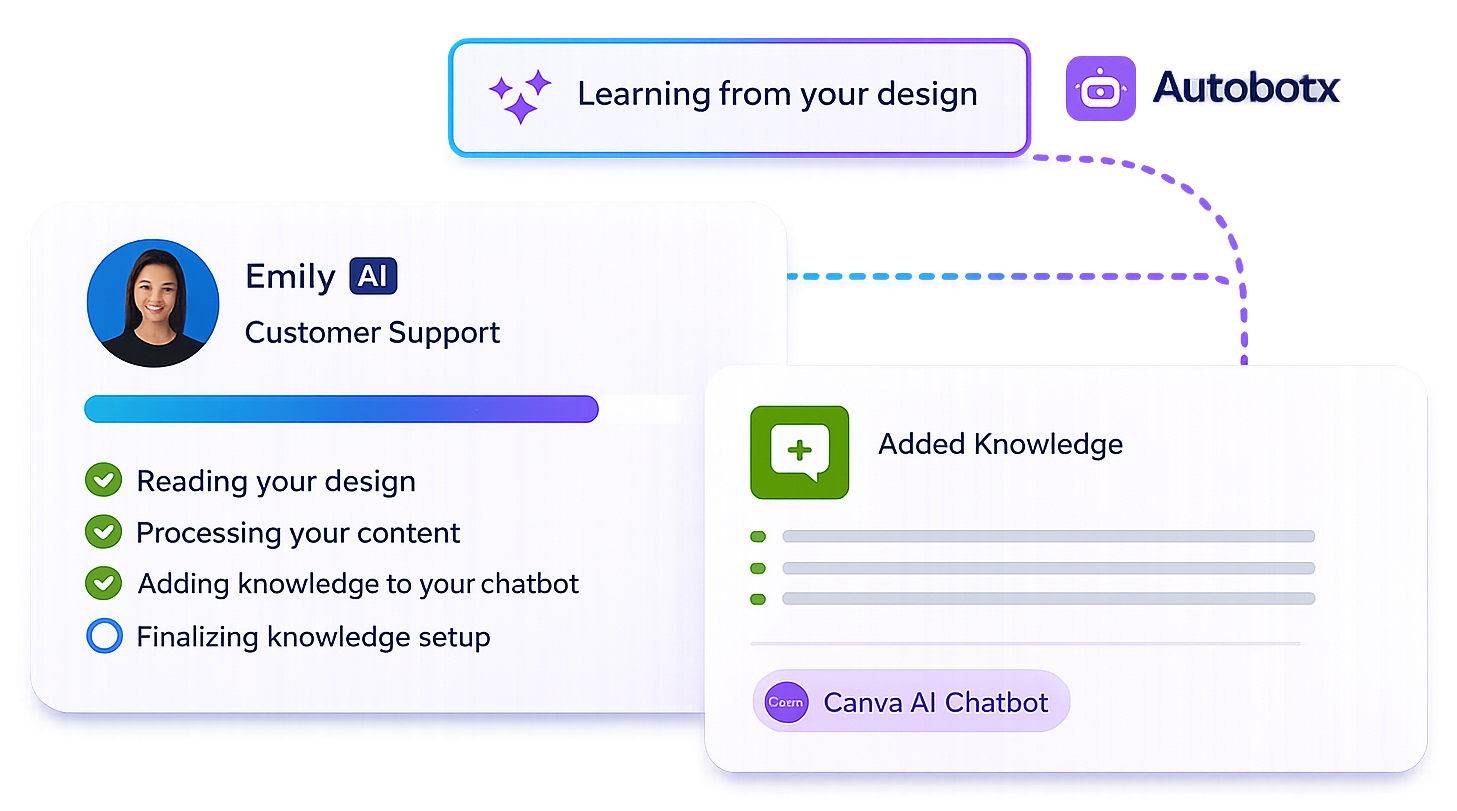
Ground answers in your design content and uploaded knowledge so responses stay accurate and on-brand.
Keep conversations going around the clock—FAQs, routing, and follow-ups without manual coverage gaps.
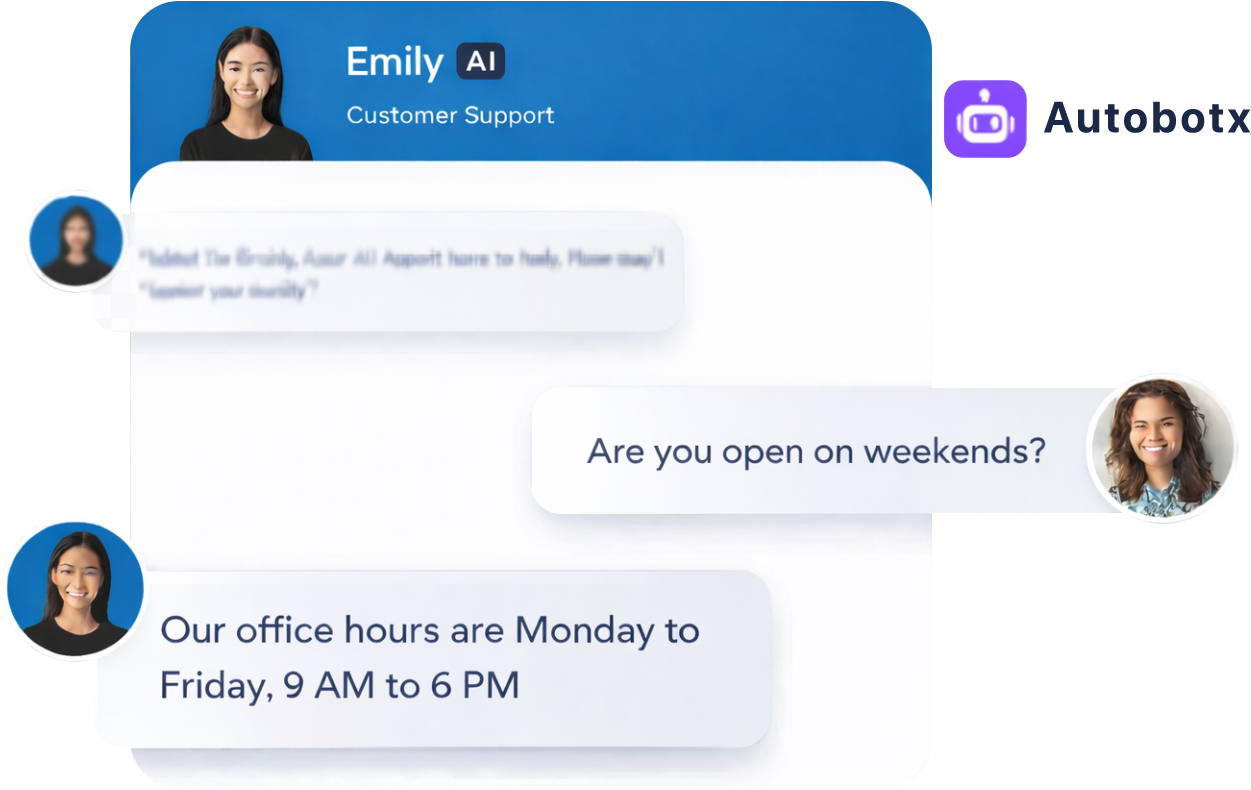
Use the same assistant pattern across websites, decks, and portfolios for consistent engagement.
Automate follow-ups—bookings, updates, answers, and handoffs—in the same conversation.
Get started — talk to usSurface helpful links or options as a structured list.
Ping your team when a visitor needs a human handoff.
Share steps, promos, or visuals directly in the thread.
Offer slots that respect your availability rules.
Send confirmations or summaries after the chat.
Point visitors to the right page or section.
Capture consent before collecting sensitive details.
Collect clean fields for CRM or support queues.
The experience inherits context from where it sits so tone, topics, and visuals feel consistent with the surrounding Canva asset.
The experience inherits context from where it sits so tone, topics, and visuals feel consistent with the surrounding Canva asset.
Experience Boost
Start using our AI chatbot today to automate support, boost engagement, and save time.
Used by businesses across 90+ countries
 Spanish
 French
 German
 Portuguese
 Afrikaans
 Italian
 Arabic
 Chinese
 Japanese
 KoreanSpanishFrenchGermanPortugueseAfrikaansItalianArabicChineseJapaneseKoreanSpanishFrenchGermanPortugueseAfrikaansItalianArabicChineseJapaneseKoreanSpanishFrenchGermanPortugueseAfrikaansItalianArabicChineseJapaneseKorean
 Polish
 Turkish
 Urdu
Urdu Kazakh
 Hindi
Hindi Indonesian
 Thai
Thai Vietnamese
 Malay
Malay RussianPolishTurkishUrduKazakhHindiIndonesianThaiVietnameseMalayRussianPolishTurkishUrduKazakhHindiIndonesianThaiVietnameseMalayRussianPolishTurkishUrduKazakhHindiIndonesianThaiVietnameseMalayRussian
 Finnish
 Danish
 Norwegian
 Greek
Greek Hebrew
 Romanian
 Hungarian
 Czech
Czech Dutch
Dutch SwedishFinnishDanishNorwegianGreekHebrewRomanianHungarianCzechDutchSwedishFinnishDanishNorwegianGreekHebrewRomanianHungarianCzechDutchSwedishFinnishDanishNorwegianGreekHebrewRomanianHungarianCzechDutchSwedish
Testimonials
FAQs